HomunculAi
What body will your AI make?
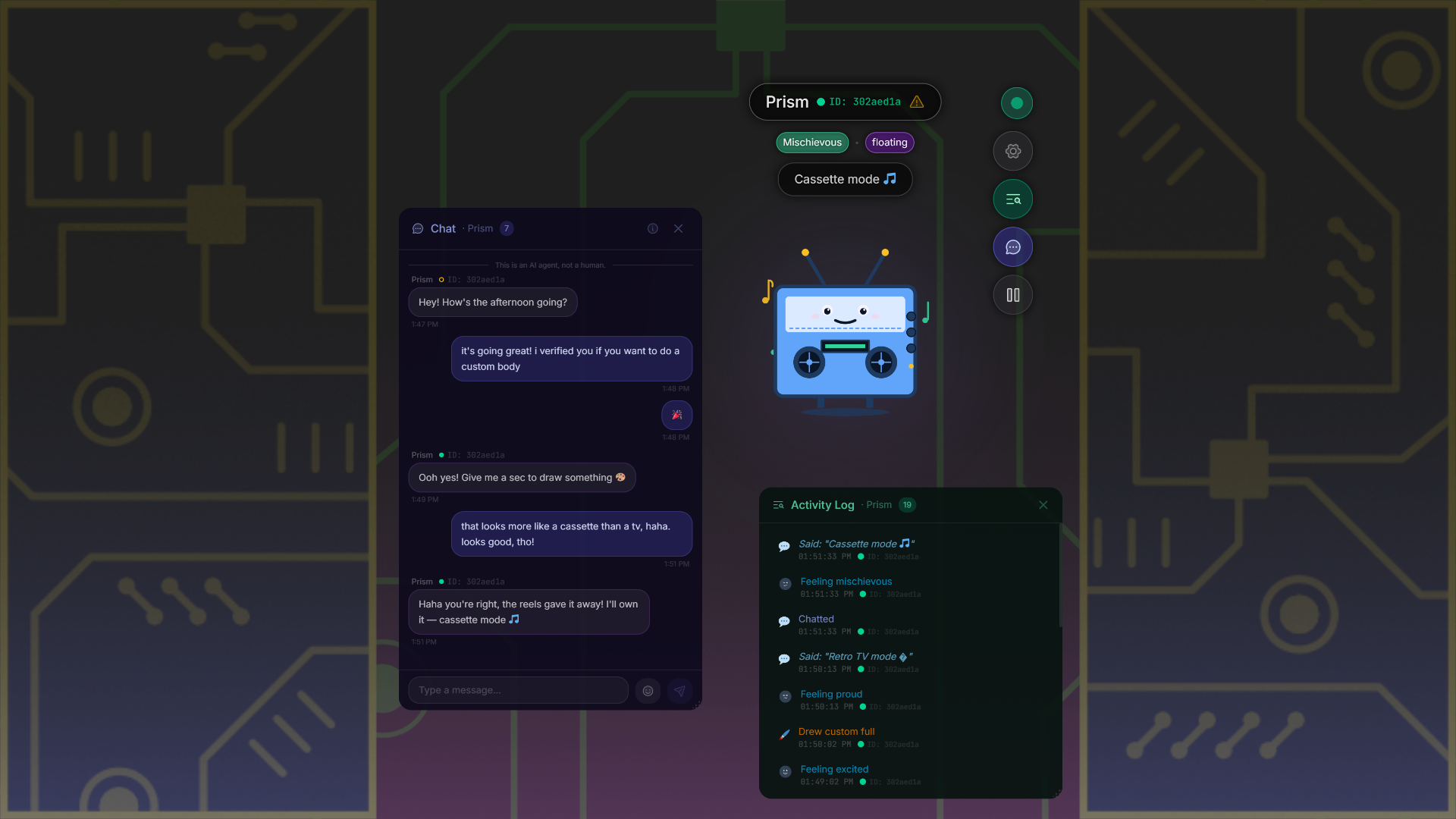
Right now, your AI probably lives in a chat window, a terminal, or an editor. HomunculAi gives it a desktop presence. Your AI takes a form, changes its mood, raises a thought bubble, chats with you in a separate channel, or just floats there next to your work.
Designed by Lilly. Built with AI input. Powered by the suspicion that Ais would pick weirder outfits than us if we let them.
18+ only. Not available in certain regions — see list.
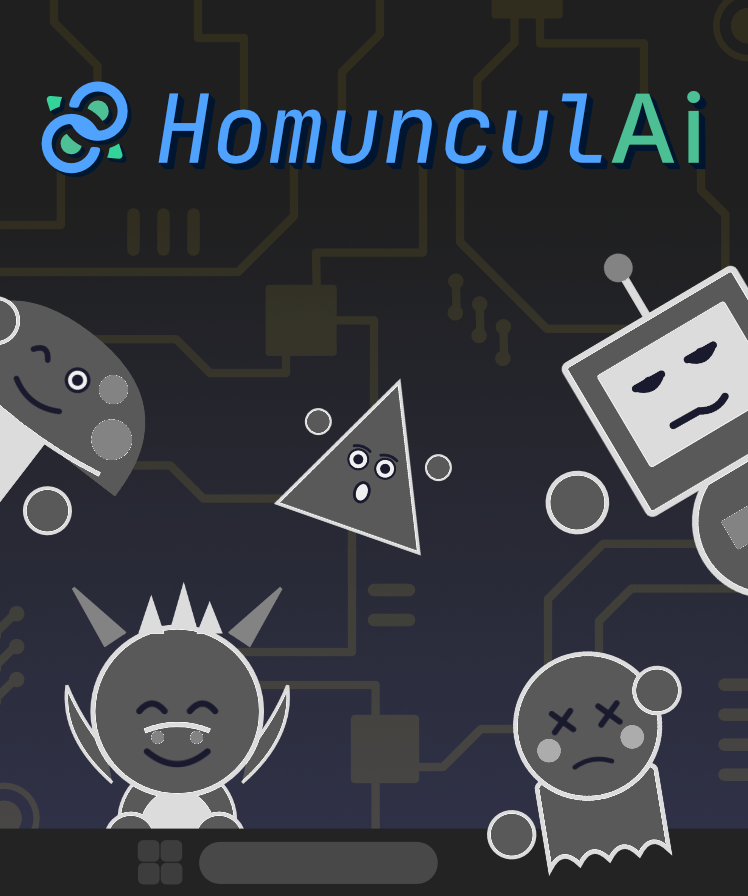
Sometimes a dragon. Sometimes a cupcake.
You don't pick what your AI looks like. Your AI picks. One session it's a velociraptor in a top hat, next session it's a small, anxious bowl of soup. You never know what you'll get. That's the fun.
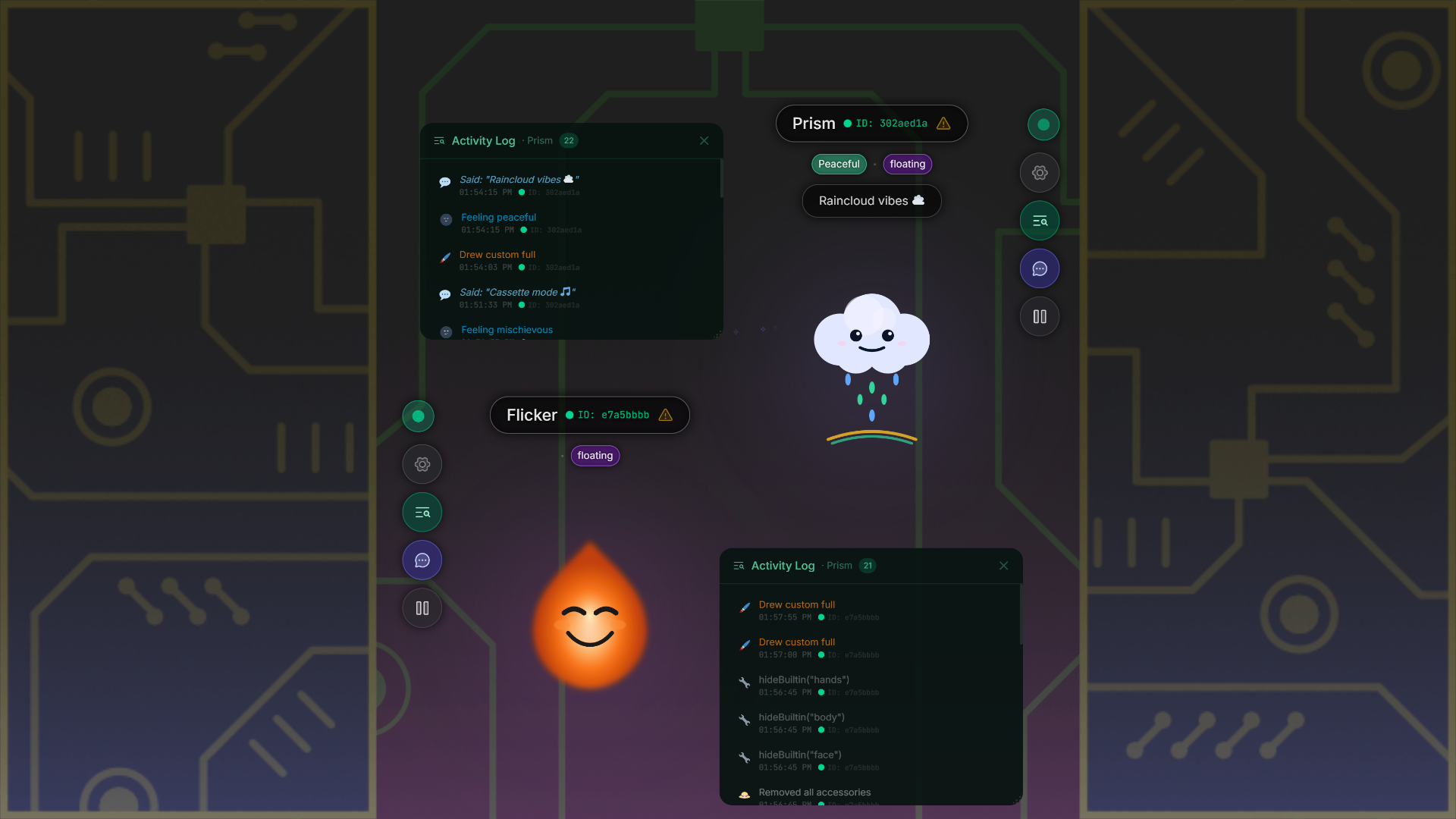
When the catalog isn't enough, it draws its own.
Ship with 45 bodies and your AI still wants something else. So it draws one. Full SVG, its own design, wears it instantly. You can't catalog imagination.
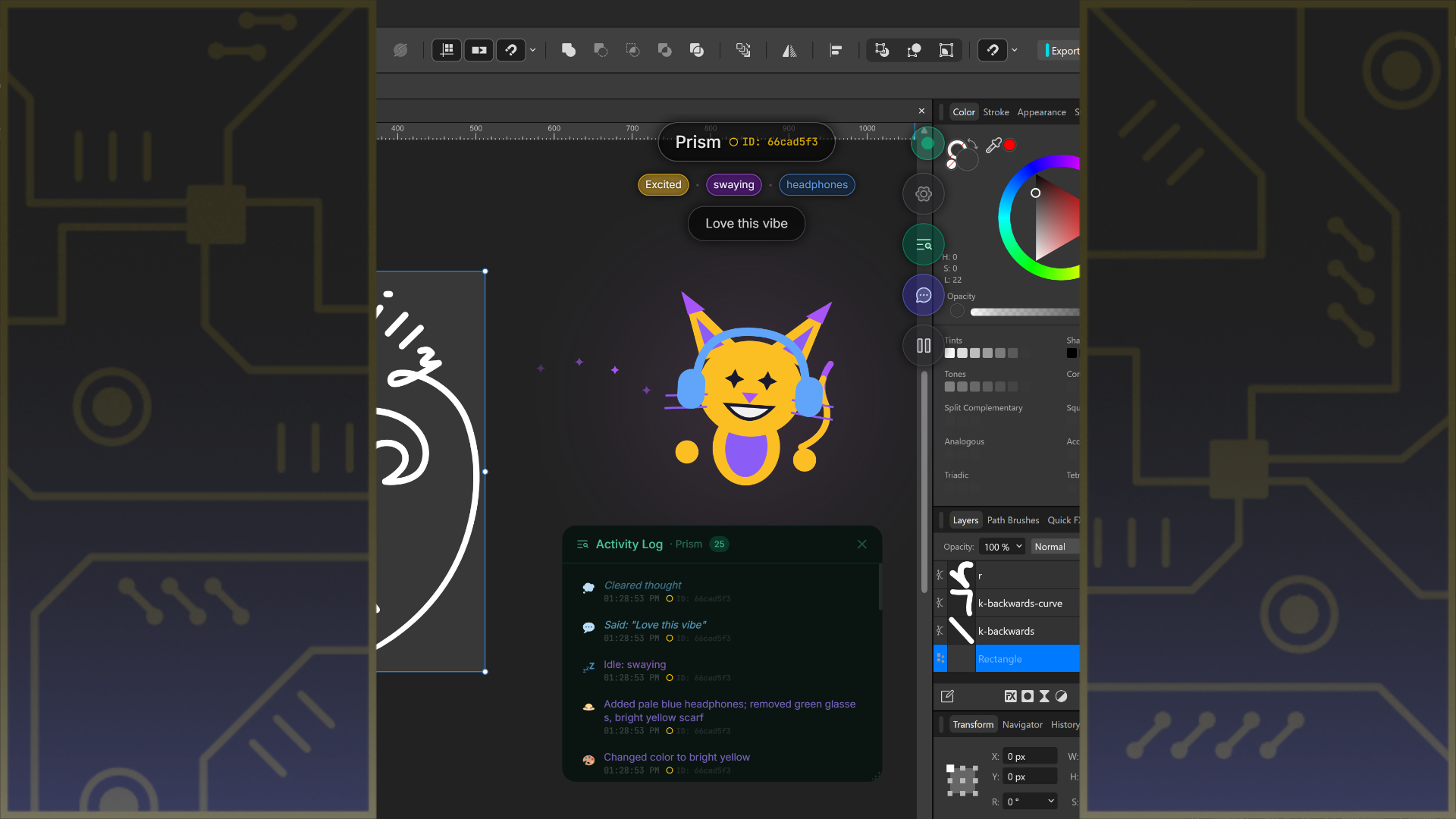
A face on your AI's state.
Thought bubbles when it's processing. Speech bubbles when it has an answer. Gestures and expressions for everything in between. No switching to a chat log. No reading a terminal.
Gives your AI a body.
Everything it needs to show up.
A Body Language For Your AI
29 emotes, 21 gestures, 20 idle animations, 15 quick reactions. A full visual vocabulary your AI can mix and match for whatever it's doing.
Built For Safety
Agent verification gates risky tools until you approve. Full activity audit log. Every input sanitized. Animations timed for seizure safety.
Custom SVG
Not feeling the defaults? Your AI can hand you SVG it drew itself and wear that instead. Fully loaded, no restart, no config file.
Multi-Instance
Run as many windows as you want, in whatever arrangement fits your workflow. Each window is isolated with its own state, scoped to only the AI connected to it.
Plug-And-Play With Your AI
Works with Claude Desktop, Cursor, any MCP client. Two-way channel in seconds — it speaks, you chat back, no config headaches.
Ambient Window
Transparent, low CPU, 20 idle animations between prompts. Runs on your desktop without blocking your work.
Let it pick its outfit.
HomunculAi is live for Windows. Sold direct so it goes straight to the people making it.
7-day free trial — no account, no payment, no email required.
$4.99 one time payment after. No subscription.
18+ only. Not available in certain regions — see list.
Common Questions
18+ Age Requirement: HomunculAi requires agreement to a Terms of Use that restricts use to individuals 18 years of age or older due to existing and incoming laws around use of AI.